
Local Processing by Default
Your image is processed inside the browser, reducing privacy risk and avoiding unnecessary file uploads.
Upload a photo, remove the background in one click, and download a transparent PNG. Processing runs locally in your browser.
Drop an image here or click to upload
Supports JPG, PNG, WebP, AVIF
Privacy-first: your image is processed on your device and is not uploaded by default.
Drag the slider to compare original images with their transparent cutouts.
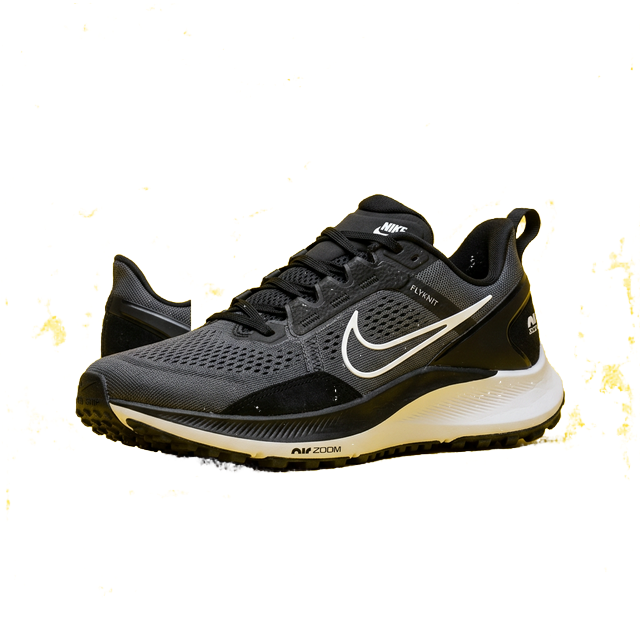
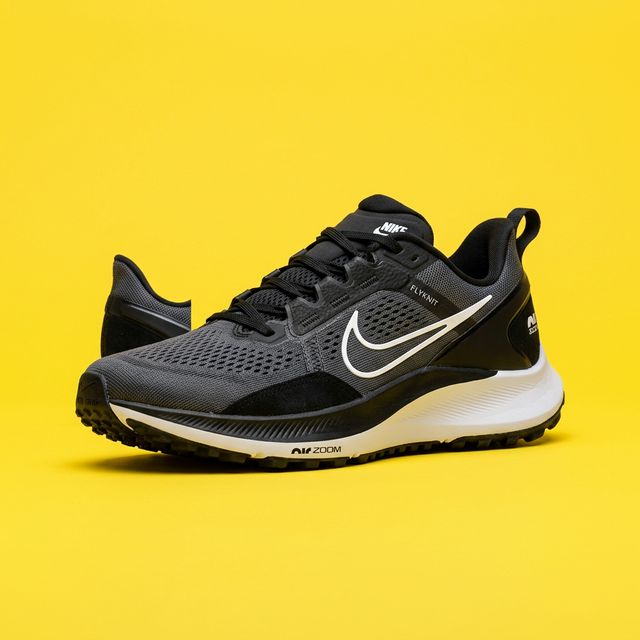




OneImage Background Remover helps you remove image backgrounds directly in your browser. You can create transparent PNG cutouts for product photos, profile pictures, and marketing assets in a few clicks.
The processing is done on your device, which means your files stay under your control by default. This makes it a practical choice for privacy-sensitive workflows and quick daily edits.
Your image is processed inside the browser, reducing privacy risk and avoiding unnecessary file uploads.
The AI model is optimized for foreground extraction, helping preserve subject edges and transparent backgrounds.
Upload, remove, and download in one page with no account flow, making quick edits efficient for repeated tasks.
Get a transparent PNG output that is ready for product listings, design tools, social content, or presentations.
Follow these steps to make a transparent background image in your browser.
Choose a JPG, PNG, WebP, or AVIF file. You can click to select a file or drag and drop it into the upload area.
Click Remove Background. If the model is still loading, the page shows model download progress until it is ready.
Preview the result and download a PNG file with a transparent background for your next workflow step.
Create clean product images with transparent backgrounds for marketplaces, ads, and storefront banners.
Prepare consistent avatars for company pages, portfolio websites, and social media profile cards.
Extract logos or icon-like graphics from existing images and reuse them on colored or patterned backgrounds.
Cut subjects out quickly and place them into Reels covers, post templates, thumbnails, and campaign visuals.
Use transparent cutouts in pitch decks and reports to build cleaner layouts without visible background boxes.
Standardize listing images for Amazon, Etsy, and Shopify workflows before resizing or adding watermarks.
Yes. You can remove backgrounds and download results for free on this page.
By default, the image is processed in your browser on your own device.
You can upload JPG, PNG, WebP, and AVIF. The output file is exported as transparent PNG.
Use images with clear subject boundaries and enough contrast between the subject and background for cleaner cutouts.
After background removal, you can keep editing with other OneImage pages.
Protect images with text or logo watermarks after exporting transparent assets.
Learn practical workflows for product images, social content, and SEO-friendly visuals.
Apply OneImage tools directly inside your browsing workflow with extension support.
Review how OneImage handles processing and what data is stored across tools.